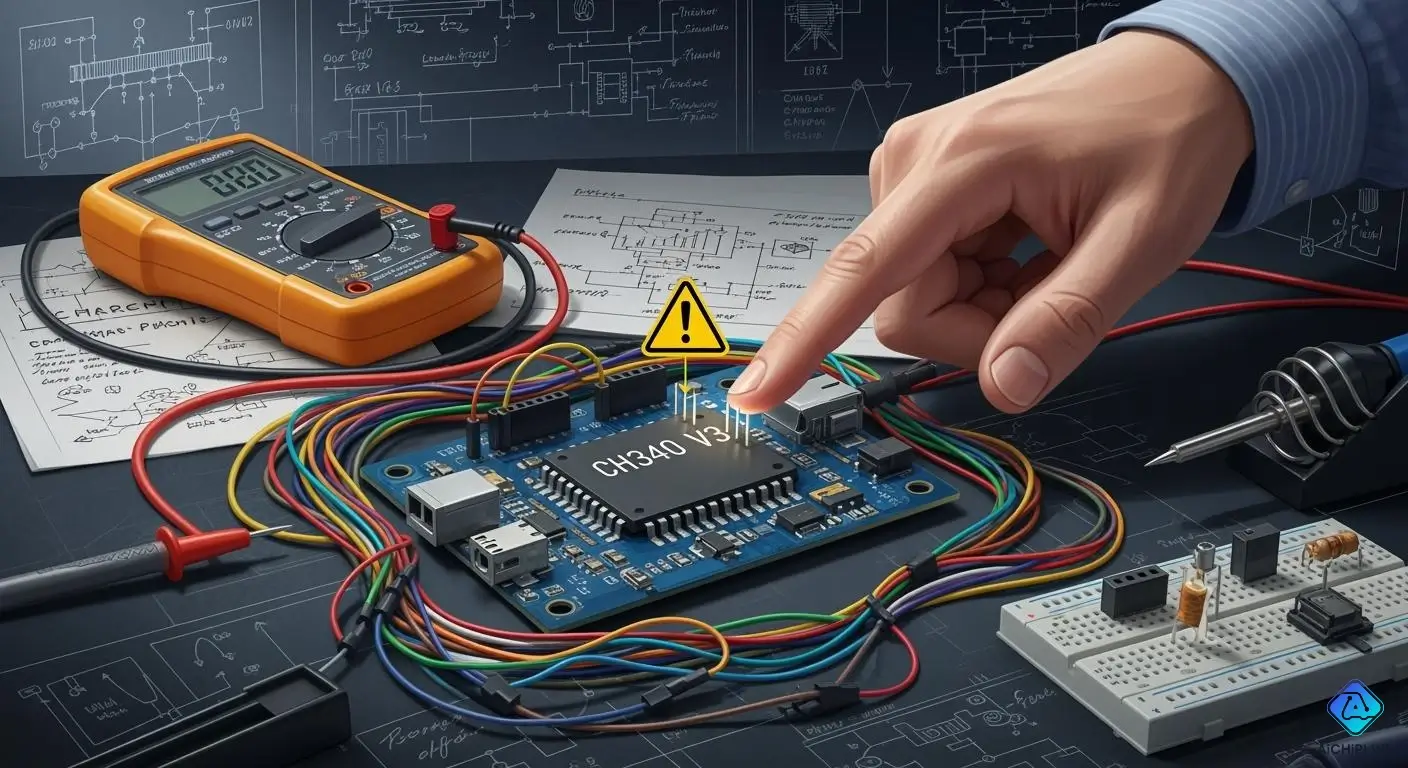
Have you ever thought about what happens if you connect the V3 pin of your CH340 USB converter the wrong way? Many engineers have questions about the non-compliant use of this pin, especially when changing between 3.3V and 5V modes. You should check the datasheet carefully, but people sometimes do not follow these rules. Knowing the risks of non-compliant use of the CH340 V3 pin helps you make safer design choices.
Key Takeaways
-
Always look at the CH340 datasheet before using the V3 pin. This helps keep your design safe and correct.
-
Do not take current from the V3 pin. If you do, the voltage can drop. This can make the device work badly.
-
Use the right capacitor values for 3.3V and 5V modes. This keeps the device stable. It also helps send data well.
-
Follow the datasheet rules for long-term or business designs. If you do not, things can break or get damaged.
-
For quick tests or early models, not following rules might work. But be careful. This can cause problems in the final product.
Non-Compliant Use of CH340 V3 Pin: Real Risks?
Common Engineer Concerns
You may wonder why so many engineers talk about the V3 pin on the CH340. When you work with a USB-to-serial converter, you want your design to be safe and reliable. Many engineers worry about the non-compliant use of the CH340 V3 pin because it can cause problems that are hard to fix later. You might see questions in forums about how to access engineering mode or why certain pin codes do not work. Some engineers try different menus, but they still cannot get the features they need. These concerns show that the configuration of the V3 pin is not always clear.
Here are some of the top concerns engineers share online:
-
You may have trouble accessing engineering mode.
-
You might not find any working pin codes.
-
You could see multiple menus, but none give you the functions you want.
You need to know that the CH340 datasheet gives strict rules for the V3 pin. If you do not follow these rules, you risk a datasheet violation. This can lead to confusion and wasted time during troubleshooting.
Immediate Operational Issues
Non-compliant use of CH340 V3 pin can cause real problems in your circuit. If you connect the V3 pin the wrong way, you may see the CH340 converter act in strange ways. For example, if you draw current from the V3 pin when VCC is set to 3.3V, the voltage can drop. This drop can make the CH340 unstable. In some tests, when an external load pulled just 28mA from the V3 pin, the voltage dropped to 2.90V. This voltage is too low for reliable operation. Your USB data transmission may fail, or your microcontroller may not communicate with the converter.
You should also know that the internal LDO in the CH340 cannot handle much current from the V3 pin. If you use the pin as a power source for other parts of your circuit, you risk damaging the chip. The datasheet warns against this kind of non-compliant use. If you ignore these warnings, you may see the CH340 converter fail during normal operation. This can stop your USB port from working and break the serial connection.
⚠️ Tip: Always check the CH340 datasheet before you connect the V3 pin. Following the correct configuration keeps your design safe and helps avoid costly mistakes.
Non-compliant use of CH340 V3 pin is a real risk. You need to understand the rules and follow them to keep your USB and serial circuits working well.
CH340 V3 Pin Datasheet Requirements
3.3V and 5V Operation Modes
You need to understand how the ch340 works in different voltage modes. The datasheet explains that the v3 pin plays a key role in both 3.3V and 5V operation. If you use the 5V mode, you should connect the v3 pin to an external decoupling capacitor. This helps keep the chip stable. In 3.3V mode, you must connect the v3 pin to the VCC pin and supply an external 3.3V power source. You also need to add a 4700pF capacitor. The table below shows the correct v3 pin configuration for each mode:
| Voltage Mode | V3 Pin Connection Requirements |
|---|---|
| 5V | Connect to external decoupling capacitor (4700pF or 0.01uF) |
| 3.3V | Connect to VCC pin and input external 3.3V power supply with 4700pF capacitor; ensure other connected circuits do not exceed 3.3V |
Correct V3 Pin Connections
You must follow the datasheet when you connect the v3 pin. If you use the wrong v3 pin configuration, you risk a datasheet violation. This can cause the ch340 to stop working or act in strange ways. The datasheet says you should never use the v3 pin as a power source for other parts of your circuit. The v3 pin is not a signal pin. It only helps the ch340 work at the right voltage. If you ignore this, you may damage the chip or lose USB communication.
⚠️ Note: Always double-check your v3 pin connections before you power up your board. A small mistake can lead to big problems.
Manufacturer Warnings
The ch340 datasheet gives clear warnings about the v3 pin. You should not draw current from the v3 pin. If you do, the voltage can drop and the chip may fail. The manufacturer also warns that connecting circuits above 3.3V to the v3 pin in 3.3V mode can break the chip. You need to follow these warnings to keep your design safe and reliable.
Non-Compliant Use in Practice: Industry Examples
Common Non-Compliant Schematics
Many engineers connect the v3 pin to just a capacitor. This is common in open-source projects and hobby boards. Some people use the 3.3V regulator output from pin 8 to power small chips like the ATtiny1614. Others use the v3 pin to run a level shifter for the Tx line. This helps match voltages between the ch340 and other chips. These ways do not follow the datasheet rules. The datasheet says not to draw current from the v3 pin. Still, many real schematics show this setup because it works for low-power circuits.
Note: If you use only a capacitor with v3 in a 5V setup, your USB data may not work right.
Why Engineers Deviate from the Datasheet
You may wonder why engineers do not follow the datasheet. Many pick what is easy instead of following every rule. They see the ch340 works in their test circuits, so they keep using it that way. Some think the internal LDO can handle small loads, even if the datasheet says not to. Others want to save space or use fewer parts, so they use the v3 pin to power other chips. This can work for simple USB-to-serial designs. But it can fail if the load gets bigger or if more data needs to move.
CH340 Converter in Real-World Designs
You can find the ch340 in many real products and boards. Sometimes, both VCC and v3 connect to an outside 3.3V source. This matches the datasheet and helps stop voltage drops. In other designs, engineers use the v3 pin as both a 3.3V input and as an output from the LDO. This can cause trouble if VCC drops below v3. That may break the chip. You need to check your setup and make sure it fits your circuit. If you want your serial connection to work well, follow the datasheet and do not draw extra current from the v3 pin.
Technical Evidence: Non-Compliant Use of CH340 V3 Pin
Internal LDO and Power Path
You need to know how the internal LDO works in the ch340. The LDO creates a stable 3.3V output from a higher voltage. When you use the v3 pin, you connect to this LDO. The datasheet says the v3 pin is not for powering other chips. If you try to use it as a power source, you can overload the LDO. The ch340 converter uses the v3 pin to set the voltage for its logic. If you connect the v3 pin wrong, the usb-to-serial converter may not work. You can see problems with data transmission or even damage the converter.
Current Measurement Findings
You can measure the current from the v3 pin to see what happens. In tests, engineers found that the v3 pin can only supply a small amount of current. If you draw more than 10mA, the voltage drops fast. This drop can cause the ch340 to stop working. You may see the usb disconnect or the serial link fail. The datasheet warns about this. You should not use the v3 pin to power a microcontroller or other loads. If you do, you risk unstable operation. The ch340 converter needs a steady voltage for good configuration and data transmission.
Failure Modes and Case Studies
You can learn from real case studies. Some engineers tried to power a microcontroller from the v3 pin. Their boards worked at first, but later failed. The ch340 got hot and stopped working. In other cases, the usb port did not connect. The serial communication broke down. These failures happened because the v3 pin was not used as the datasheet says. If you want your ch340 converter to last, you must follow the correct configuration. Always check your design before you build your board.
Recommendations for CH340 Converter Designs
When Non-Compliance Is Acceptable
Sometimes, non-compliant use works in simple circuits. If you make a prototype or a cheap hobby project, you might only connect the v3 pin to a capacitor. This setup can work if you do not pull extra current from the v3 pin and keep the load very small. Some engineers use this way for fast tests or when the circuit does not need to last long. You should know this method does not follow the datasheet. If you use non-compliant use of ch340 v3 pin in a classroom or a single-use device, you may not see problems right away.
⚠️ Tip: Only use non-compliant use if failure will not hurt anyone or cause loss. Always test your circuit in real situations before using it in a final product.
When to Follow the Datasheet Strictly
You must follow the datasheet for any design that needs to last a long time or will be sold. If you want to sell your device or use it in an important system, you should never risk non-compliant use of ch340 v3 pin. The datasheet shows the right setup for both 3.3V and 5V operation. Following these rules keeps your ch340 chip safe and your usb and serial connections working well. If you ignore the datasheet, you might see random failures, bad data, or even damage to your board.
Note: Always check the newest datasheet before you start your design. Manufacturers sometimes change the rules or add new warnings.
Best Practices for Reliable Circuits
You can make a reliable ch340 converter by following some best practices. These steps help you avoid mistakes and keep your design safe:
-
If you use a 5V power supply, connect the v3 pin to a 4700pF or 0.01uF external decoupling capacitor.
-
For a 3.3V power supply, connect the v3 pin to the VCC pin and use an outside 3.3V power source with a 4700pF capacitor. Make sure all circuits connected to the ch340 do not go over 3.3V.
-
Always use a 0.1uF capacitor on the v3 pin. This helps your device get seen by a Windows PC.
-
Connect the TX and RX pins of the ch340 straight to the RX and TX pins of your microcontroller for good data transfer.
-
Use a 100nF capacitor between the DTR pin and the reset pin of your microcontroller. This stops unwanted resets while working.
✅ Best Practice: Double-check your v3 pin setup before turning on your board. Careful planning helps you avoid big mistakes.
If you follow these steps, you will lower the risk of non-compliant use and keep your ch340 converter working well. Good design choices protect your usb and serial circuits and help you avoid problems with non-compliant use of ch340 v3 pin.
You have learned about the dangers of not using the CH340 V3 pin the right way. Always use the datasheet when you build something for sale or for long use. Shortcuts are okay only for quick projects that do not matter much.
-
Follow the datasheet to make your design safe and work well.
-
Only use non-compliant ways for fast tests or early models.
Be careful! Look over your circuit before you finish your design. Watch for new info from the maker to keep your work safe and up to date.

Written by Jack Elliott from AIChipLink.
AIChipLink, one of the fastest-growing global independent electronic components distributors in the world, offers millions of products from thousands of manufacturers, and many of our in-stock parts is available to ship same day.
We mainly source and distribute integrated circuit (IC) products of brands such as Broadcom, Microchip, Texas Instruments, Infineon, NXP, Analog Devices, Qualcomm, Intel, etc., which are widely used in communication & network, telecom, industrial control, new energy and automotive electronics.
Empowered by AI, Linked to the Future. Get started on AIChipLink.com and submit your RFQ online today!
Frequently Asked Questions
What happens if you draw too much current from the V3 pin?
If you draw too much current, the voltage drops quickly. This can cause the CH340 chip to stop working or even get damaged. Always follow the datasheet limits for safe operation.
Can you use the V3 pin to power other chips?
No, you should not use the V3 pin to power other chips. The datasheet warns against this. The V3 pin is only for the CH340’s internal use.
Why do some boards connect only a capacitor to the V3 pin?
Some engineers do this for quick tests or simple projects. It works for low-power circuits. However, this setup does not follow the datasheet and may cause problems in long-term use.
How do you know if your V3 pin setup is correct?
· Check the datasheet for your voltage mode. · Make sure you use the right capacitor. · Do not connect extra loads to the V3 pin. · Test your board before final use.

