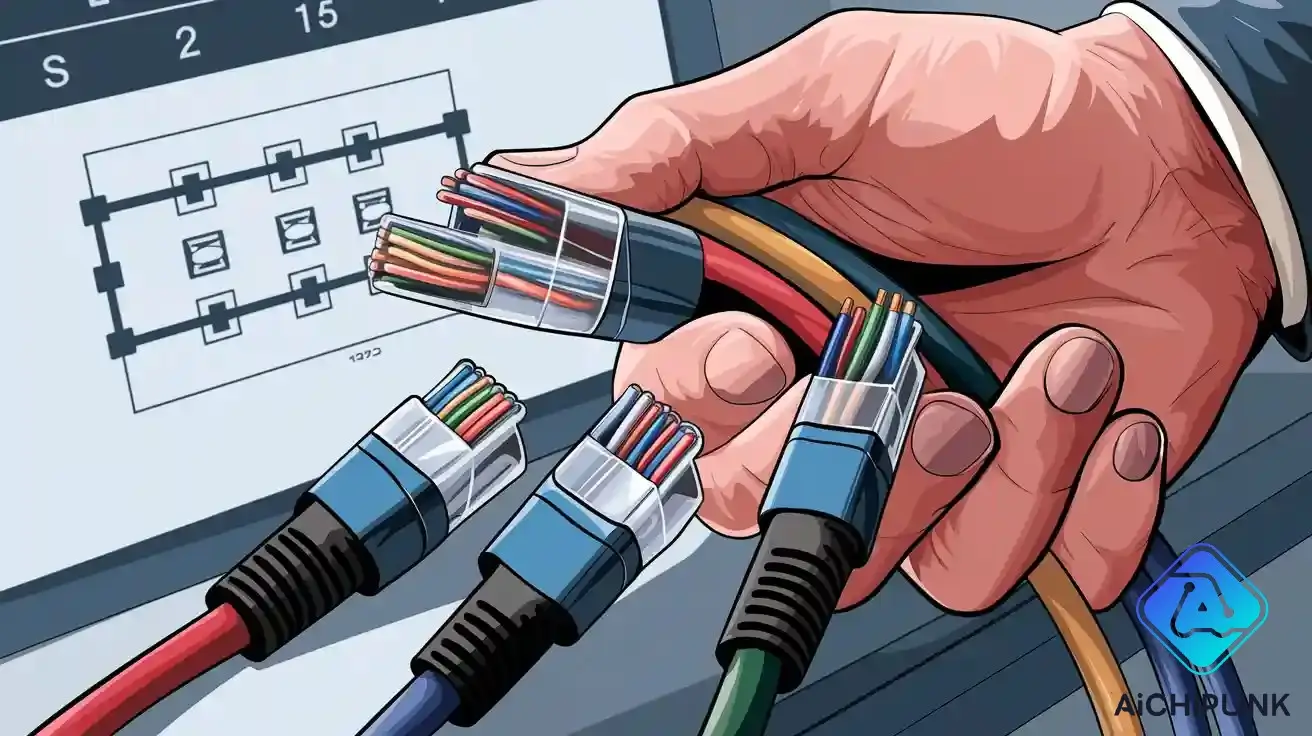
When you see non-standard rj45 wiring, look at the pin order and pairs. Do not just trust the cable colors. Many people make mistakes because they only look at color codes. They do not know that T568A and T568B can be confusing. This confusion can cause mistakes and more work. Always write down how the rj45 wires are connected. Use a cable tester to check each wire. Map out the pinouts before you change anything. Make sure the pairs stay together. Both ends of the rj45 cable must match. This will help you get a good connection. Remember, how it works is more important than matching colors.
Key Takeaways
-
Always look at the pin order and twisted pairs. Do not just trust the wire colors. This helps you avoid mistakes with non-standard RJ45 wiring.
-
Write down and label each cable’s wiring details. Do this before you make any changes. This keeps your records clear and stops confusion later.
-
Use a cable tester to check the wiring. It helps you find problems and makes sure pairs stay together. This gives you a strong and steady network connection.
-
Keep twisted pairs together and match pin setups on both ends. This lowers interference and keeps your network fast and reliable.
-
Try to follow T568A or T568B wiring standards when you can. This makes repairs easier, stops errors, and keeps your network working well.
Identifying Non-Standard RJ45 Wiring
Spotting Unusual Ethernet Cable Colors
You may notice that some Ethernet cables do not follow the typical rj45 color code. Manufacturers sometimes use different colors for wires inside the cable. This can make it hard to match wires to the correct pins. You should not rely only on color when working with non-standard rj45 wiring. Instead, look closely at how each wire connects to the rj45 plug.
A quick visual inspection helps you spot problems like damaged wires or incorrect terminations. If you see colors that do not match the usual t568a or t568b patterns, take extra care. Write down the color order before you disconnect anything. This step helps you avoid mistakes when you reconnect the wires.
Tip: Always use a cable tester to check for split pairs or wiring faults. Advanced testers with DSP capabilities can find issues that are hard to see with your eyes.
Recognizing Non-Standard Network Cable Color Code
You need to understand the difference between t568a vs t568b. Both standards use a specific rj45 color code scheme, but some cables ignore these rules. When you find non-standard rj45 wiring, you must confirm the pin assignments and pairings.
Network technicians use several methods to identify non-standard rj45 wiring:
1. Use advanced cable testers to detect split pairs and wiring faults. 2. Employ time-domain reflectometry to locate faults and check cable integrity. 3. Measure crosstalk to find interference from improper pairings. 4. Inspect cables for physical damage or wrong terminations. 5. Perform continuity and wire mapping tests to confirm pin assignments. 6. Test performance for crosstalk, attenuation, and delay to see if wiring meets t568a or t568b standards. 7. Use professional-grade crimping tools and testers for reliable results.
You should always check both ends of the rj45 cable. Make sure the wiring matches and the twisted pairs stay together. If you see a color code that does not fit t568a or t568b, document the wiring and test the cable before using it in your network.
| Standard | Pin 1 | Pin 2 | Pin 3 | Pin 4 | Pin 5 | Pin 6 | Pin 7 | Pin 8 |
|---|---|---|---|---|---|---|---|---|
| T568A | White/Green | Green | White/Orange | Blue | White/Blue | Orange | White/Brown | Brown |
| T568B | White/Orange | Orange | White/Green | Blue | White/Blue | Green | White/Brown | Brown |
You can use this table to compare the wiring in your cable to the standard rj45 color code. If your cable does not match, follow the pin order and keep the pairs together for best performance.
Handling Non-Standard RJ45 Wiring
Documenting Cable Colors and Pinouts
When you work with non-standard rj45 wiring, you need to write down every detail. Record the color of each wire and where it goes in the rj45 connector. Make a simple pinout map before you unplug or fix any cable. Put labels on both ends of the cable to show how the wires are set up. This helps you avoid mistakes and confusion later.
If you do not write things down, you might lose important information. Not keeping records can cause problems and make fixing things harder. It is tough to do maintenance if someone else needs to help. Use cable management software to keep digital records up to date and easy to check. A good cable map makes repairs and updates easier and safer.
Note: Good documentation keeps your system working well for a long time. Always write down any changes you make to non-standard rj45 wiring.
-
Clear cable maps and labels help you track where cables go and what they do.
-
If you do not document cables, it gets harder to fix things when people change.
-
Bad records make your system less reliable and cause more downtime when you make changes.
Using a Cable Tester for Verification
Cable testers are important tools for checking non-standard rj45 wiring. Plug both ends of the cable into the tester. The tester sends signals through the wires and looks for problems. You can find open wires, short wires, crossed wires, and wrong wiring. Some testers also check signal quality, cable length, and bandwidth.
Pick the right tester for your job. Basic wiremap testers are good for simple checks. Network cable testers give more details, like wiring setups and signal strength. Advanced testers, such as Fluke LinkIQ or netAlly LinkRunner 10G, can do more tests and help with tricky wiring. These testers help you fix problems with non-standard rj45 wiring fast.
| Tester Type | Best Suited For | Common Uses |
|---|---|---|
| Wiremap Testers | Checking wire ends and finding wrong wiring | Data cables like Cat5, Cat6, and Ethernet |
| Network Cable Testers | Full checks including wiring and signal strength | Ethernet cables in local networks (LANs) |
| Advanced Multifunctional Testers | Many tests including special checks and network analysis | Hard or non-standard Ethernet wiring |
-
Cable testers check if each wire is connected and not broken.
-
They find wiring setups and spot problems like shorts, opens, mixed pairs, and crosstalk.
-
Advanced testers measure signal loss and cable length, so you can find problems exactly.
Tip: Use cable testers to check the wiring order and make sure pairs stay together in every rj45 connector. This helps your network work well.
Ensuring Pair and Pin Consistency
You need to keep twisted pairs together and match pin spots at both ends of the cable. The t568a and t568b standards help you keep pairs and pins the same. When you work with non-standard rj45 wiring, focus on what each wire does, not just its color. Always look at the pinout and make sure pairs are not split.
Keeping pairs and pins the same lowers interference and stops signal problems. Good wiring helps your network run fast and stay stable. If you mix up wires or use the wrong pinout, you can get errors, slow speeds, or network problems.
-
Keeping twisted pairs lined up stops interference and keeps signals strong.
-
Matching wiring keeps the cable working right and cuts down noise.
-
Both ends of the cable must have the same pin setup to avoid problems.
-
Mixed up pairs or pins cause signal loss, crosstalk, and lost data.
-
Ethernet can handle small mistakes, but big ones slow or stop communication.
⚠️ Always use the t568a vs t568b standards if you can. If you must use non-standard wiring, write down every change and check pairs with a cable tester.
Repairing and Rewiring Ethernet Cables
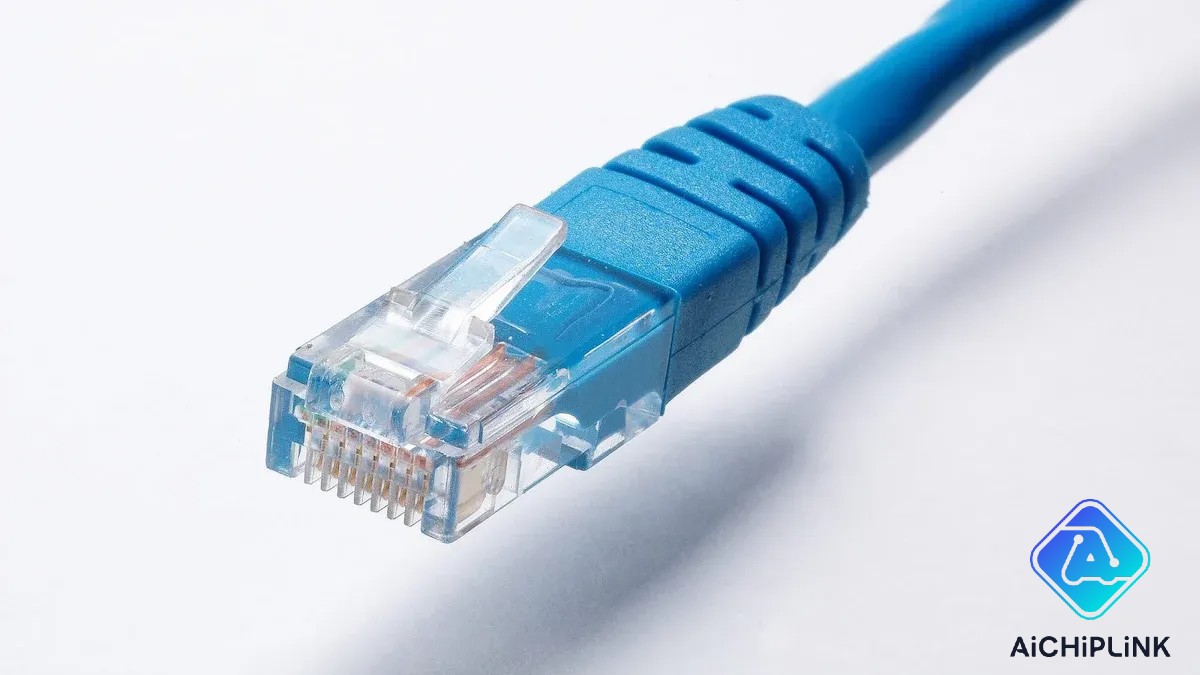
Matching Function Over Color
When you fix or change an Ethernet cable with non-standard colors, focus on what each wire does, not just its color. The job of each wire inside the rj45 connector is more important than how it looks. Here are some steps to help you match function instead of color:
-
Wire colors can help, but they are not always right. The main thing is to keep the correct pairs together so signals work well.
-
Use a multimeter to test which wires are twisted pairs. This helps you match the right wires at both ends.
-
Do not untwist the pairs when you fix or put on a new connector. Keeping pairs together keeps the signal strong and stops crosstalk.
-
Follow the t568a or t568b wiring standard for where pairs go, even if the colors do not look normal.
-
Cable jacket colors are not always the same. Always check the order of the wires and where the pairs go, not just the color.
-
Write down your wiring and test the cable after you fix it. This makes sure the rj45 cable works right.
? Tip: Label both ends of the cable and keep notes about your wiring. This makes it easier to fix the cable later.
Preserving Twisted Pairs
Twisted pairs are very important in every Ethernet cable. They help block noise and keep your network working well. When you use an rj45 connector, try to keep the twist in each pair as much as you can. If you untwist the wires too much, you get more noise and weaker signals.
-
Twisted pairs help stop noise, so your data stays clear.
-
Shielded cables like STP or FTP give extra protection from electromagnetic interference (EMI). These are good in places with lots of electrical noise.
-
Unshielded twisted pair (UTP) cables are common and cheap, but you must handle them carefully to stop crosstalk.
-
Do not untwist more than 13mm of each pair at the connector. Too much untwisting causes more mistakes and slower speeds.
-
Good connectors keep the cable’s impedance steady, so signals move without problems.
Here are some tips to keep twisted pairs safe when you rewire:
-
Plan your cable path so there are no sharp bends or kinks.
-
Use ties or clips to hold cables, but do not make them too tight.
-
Keep the twist in each pair all the way to the rj45 connector.
-
Keep cables away from things that cause EMI, like motors or bright lights.
-
Test your cable with a cable tester after you put it in to check for good signals and correct wiring.
⚠️ Alert: If you untwist or split pairs too much, your network can slow down or lose data. Always check your work with a tester.
Following the Standard When Possible
When you fix or change an Ethernet cable, use the t568a or t568b wiring standard if you can. These standards make sure every rj45 connector in your network matches, which helps stop confusion and network problems. Both standards work for the same speeds and types of network, but you must use the same one at both ends.
| Pin | T568A Color | Signal Role | T568B Color | Signal Role |
|---|---|---|---|---|
| 1 | White/Green | Transmit + (Tx +) | White/Orange | Transmit + (Tx +) |
| 2 | Green | Transmit - (Tx -) | Orange | Transmit - (Tx -) |
| 3 | White/Orange | Receive + (Rx +) | White/Green | Receive + (Rx +) |
| 4 | Blue | Unused / PoE | Blue | Unused / PoE |
| 5 | White/Blue | Unused / PoE | White/Blue | Unused / PoE |
| 6 | Orange | Receive - (Rx -) | Green | Receive - (Rx -) |
| 7 | White/Brown | Unused / PoE | White/Brown | Unused / PoE |
| 8 | Brown | Unused / PoE | Brown | Unused / PoE |
Using a wiring standard like t568a or t568b makes fixing problems faster. You can find and fix issues quickly because every cable is the same. Using the same wiring also helps you keep spare parts and makes your network work better.
-
Standard wiring lets you work anywhere in your network without guessing.
-
It is easier to label and keep records when you use the same wiring standard.
-
Training and regular checks help stop mistakes and keep your network working well.
?️ Note: Always check which wiring standard your network uses before you start fixing cables. Mixing t568a and t568b in the same network can cause mistakes and make it harder to fix problems.
Preventing Future Cable Confusion
Labeling Non-Standard RJ45 Wiring
Labeling every cable helps stop mix-ups in your network. This is extra important for cables with non-standard wiring. Put strong, easy-to-read labels on both ends of each rj45 cable. Use printed labels so you can read them clearly. Write down things like cable ID, where it starts and ends, cable type, and how long it is. You can use cable tags, heat shrink labels, or labels stuck right on the wire. Using colors for labels and cables makes it easy to see what goes where and keeps things neat.
Tip: Use the ANSI/TIA-606-D rules for labeling. These rules help make your labels clear and easy to follow. This way, everyone can understand your network.
Some good ways to label cables are:
-
Pick labels that do not get ruined by water or smudges.
-
Make sure labels are big and simple to read. Do not use short forms.
-
Put a label on both ends of every cable so you can find them fast.
-
Change labels if you move or fix cables.
-
Add all the important facts, like cable type and where it goes.
When you label cables the right way, you make fewer mistakes. It is also faster to fix problems. New workers can learn your network faster too.
Keeping Records of Network Cable Color Code
You should write down every rj45 color code in your network. This is very important if you use non-standard wiring. Good notes help you when you move, add, or change cables. Keep your drawings and papers safe, and save copies often. Update your records every time you change something. Make sure all names and numbers on your records match your labels.
| Aspect | Details |
|---|---|
| Record Keeping | Keep drawings and papers safe. Update records for every change. Match all names and numbers. |
| Labeling Principles | Use labels that make sense. Match labels to your drawings. Show where things are. |
| Label Requirements | Use labels that last and can be tracked. Label both ends. Make sure you can read them. |
| Color Coding | Write down non-standard color codes in a clear way. Add cable names and where they end. |
| Example Identifier | "3MK02-35:05/DC.A04-35:05" tells you the floor, room, cabinet, patch panel, and port. |
Draw maps that show where cables go, port numbers, and cable types. Use computer programs to keep your records up to date. Good records make it easier to fix problems and help your network work well in the future.
?️ Using standard wiring makes your network stronger, cuts down on problems, and saves money. Good records and labels help you keep track of your rj45 cables and rj45 color code.
You make your network work better by writing down every rj45 wiring detail. Use cable testers to check which pins and pairs go together. Pay attention to what each wire does, not just its color. If you label cables and keep good records, fixing problems is easier. Test your cables often and look for issues before they get worse. Using wiring standards like T568A or T568B helps stop mistakes and keeps your network safe. When you keep clear notes and strong connections, you avoid errors and your network runs smoothly.
FAQ
What should you do if the cable colors do not match any standard?
You should check the pin order and twisted pairs. Use a cable tester to confirm connections. Write down the wiring before making changes. Focus on function, not color.
Can you mix T568A and T568B wiring in the same network?
You should not mix T568A and T568B in one network. Mixing standards can cause connection problems. Always use the same wiring standard on both ends of each cable.
How do you test a cable with unknown wiring?
Plug both ends into a cable tester. The tester will show if each wire connects correctly. You can also use a multimeter for basic continuity checks.
Tip: Always test cables before using them in your network.
Why is pair integrity important in Ethernet cables?
Pair integrity keeps signals strong and blocks noise. If you split pairs, you may get slow speeds or lost data. Always keep twisted pairs together for best performance.

Written by Jack Elliott from AIChipLink.
AIChipLink, one of the fastest-growing global independent electronic components distributors in the world, offers millions of products from thousands of manufacturers, and many of our in-stock parts is available to ship same day.
We mainly source and distribute integrated circuit (IC) products of brands such as Broadcom, Microchip, Texas Instruments, Infineon, NXP, Analog Devices, Qualcomm, Intel, etc., which are widely used in communication & network, telecom, industrial control, new energy and automotive electronics.
Empowered by AI, Linked to the Future. Get started on AIChipLink.com and submit your RFQ online today!
Frequently Asked Questions
What should you do if the cable colors do not match any standard?
You should check the pin order and twisted pairs. Use a cable tester to confirm connections. Write down the wiring before making changes. Focus on function, not color.
Can you mix T568A and T568B wiring in the same network?
You should not mix T568A and T568B in one network. Mixing standards can cause connection problems. Always use the same wiring standard on both ends of each cable.
How do you test a cable with unknown wiring?
Plug both ends into a cable tester. The tester will show if each wire connects correctly. You can also use a multimeter for basic continuity checks. Tip: Always test cables before using them in your network.
Why is pair integrity important in Ethernet cables?
Pair integrity keeps signals strong and blocks noise. If you split pairs, you may get slow speeds or lost data. Always keep twisted pairs together for best performance.